Icebreaking Room
ROLE
Lead Programmer
BRIEF
Icebreaking VR Room is a Mixed reality application that help freshers quickly get knowing each other. Students with headset can play 8 different acctivities with their classmates in a mutiplayer location based VR Room to breake ice. Students who do not have headsets can also join them, they can use AR application in their phone to enter the VR room and then play with people with headsets.
YEAR
2022
PLATFORM
Oculus Quest, Android Phone
LENGTH OF DEVELOPMENT
8 weeks
DESCRIPTION
All of members of our development team are students majoring Augmented & Virtual Reality at Goldsmiths University. Our initial goal was to develop a platform for freshers to help them get to known others. VR is a good medium which can provide an immersive experience for users, it can be a great way to get new students, especially those who aren’t as confident, involved.
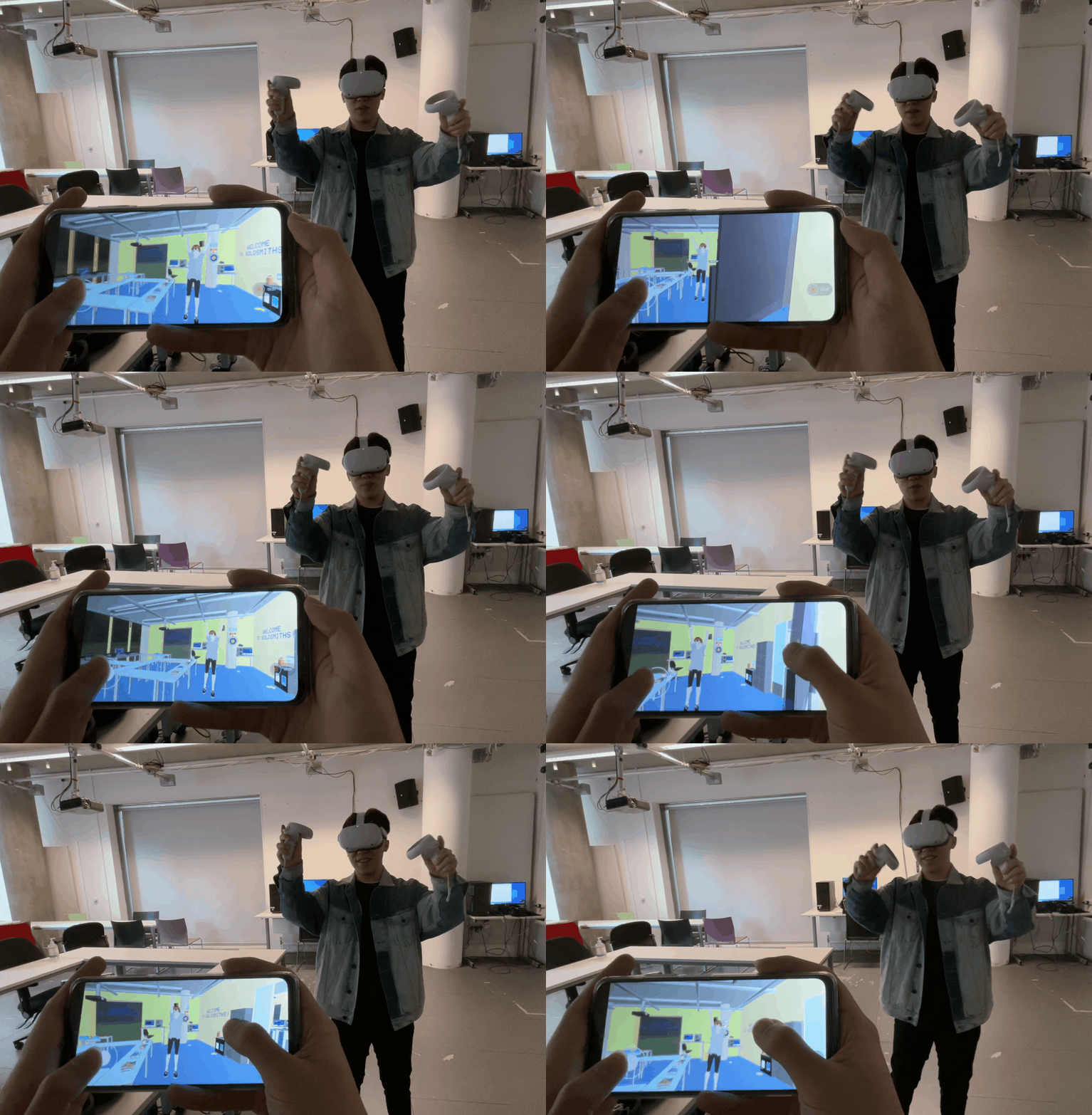
In demo event, we received a lot of positive feedback. However, I found that everyone else in the room do not know what the people in VR is experiencing. And only students with VR headsets can enjoy the fun of this application, it is not friendly for those people who do not have VR headsets. This obviously deviates from our original goal. As a result, I decided to make some improvements to the project so that more people can enjoy the fun.
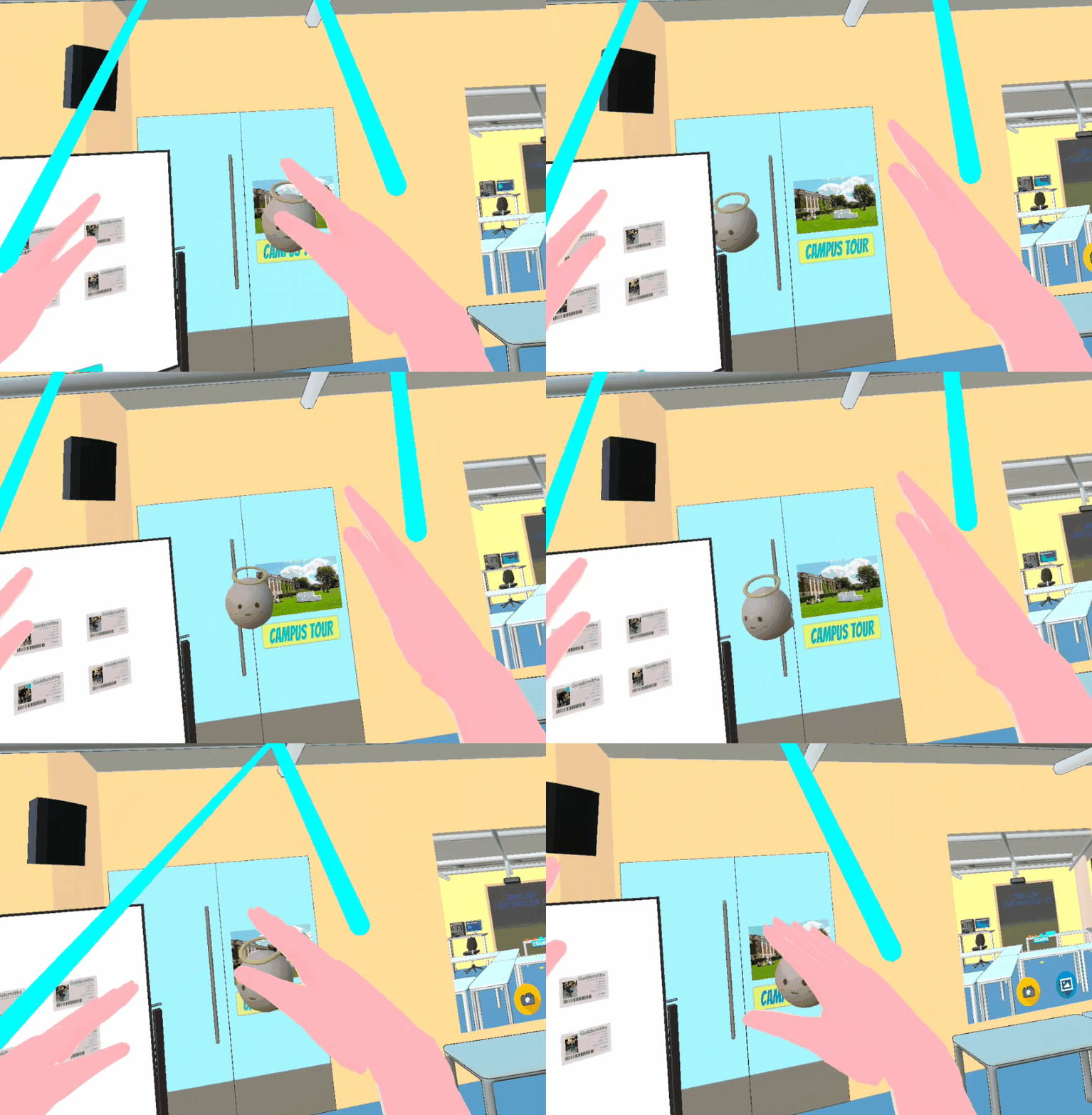
AR is a great way to change it! Unlike VR application, everyone with a mobile phone are able to access to AR experience. I develop a AR version of this project for people do not have VR headsets to help them join the Icebreaking room. With the AR version of this application, More people are able to join in the virtual Goldsmiths VR Lab! In order to enhance the interaction between AR players and VR players, I also add a shooting game for AR players and VR players to play together.
In this video, you can see how VR player and AR player interact in the room. The avatar of AR player are floating fairies, and the avatar of VR player are Cartoon charaters. They can even talk to each other using voice chat!
USER JOURNEY
AR Player

Campus Tour
Avatar Selection
VR Player
Enter Goldsmiths VR Lab

ID Card Collection

Shooting Game

Darts

Garbage Cleanup

Mirror & Selfie

Draw & Guess

Info-Gap Grain Game
Campus Tour

Avatar Selection
The User Journey is splited into two version: VR Version and AR Version.
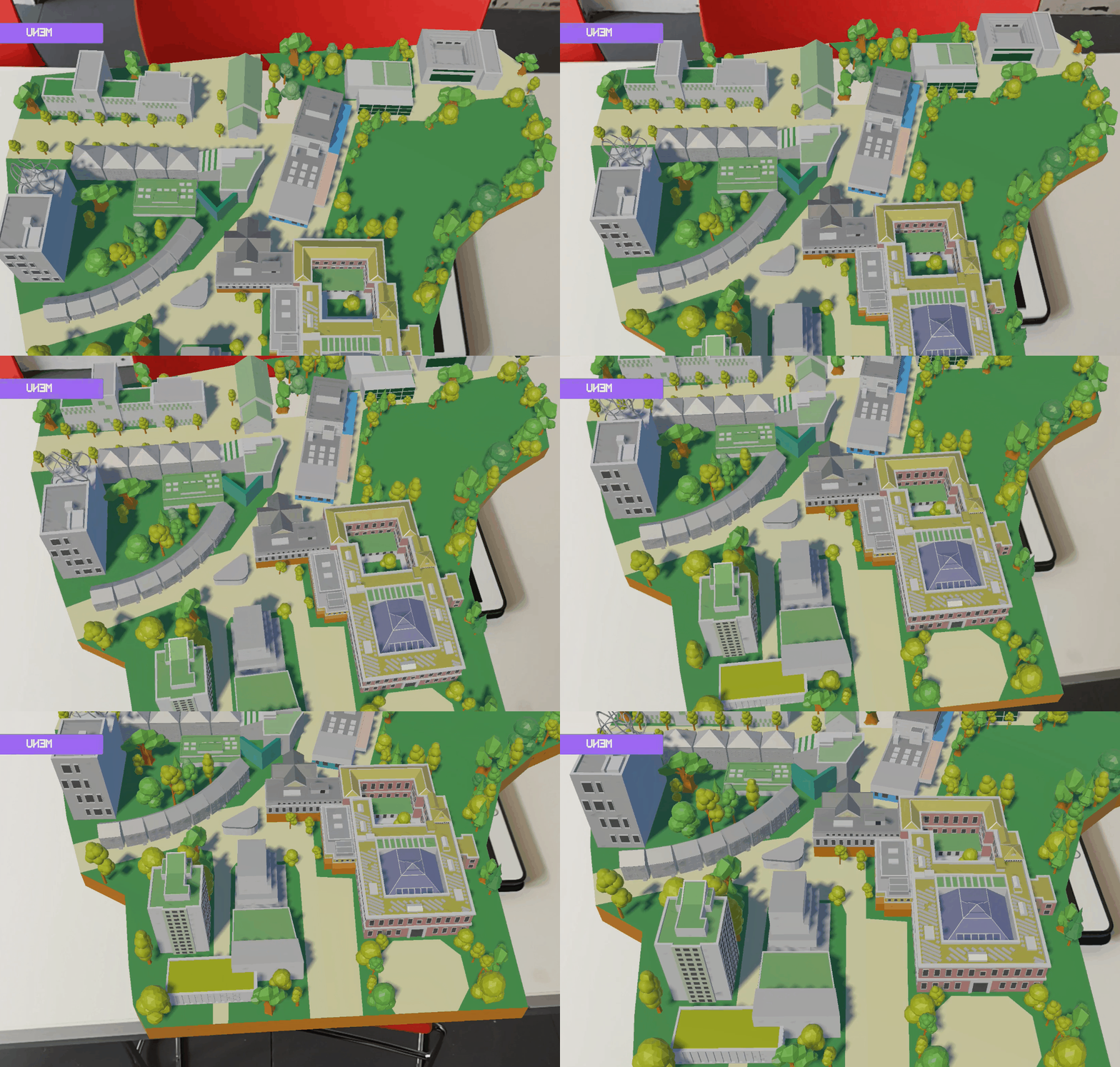
AR Version: Player need to launch the application on their mobile devices to recognize the image and then start campus tour. After campus tour, they can selecr avatar to enter the Lab.
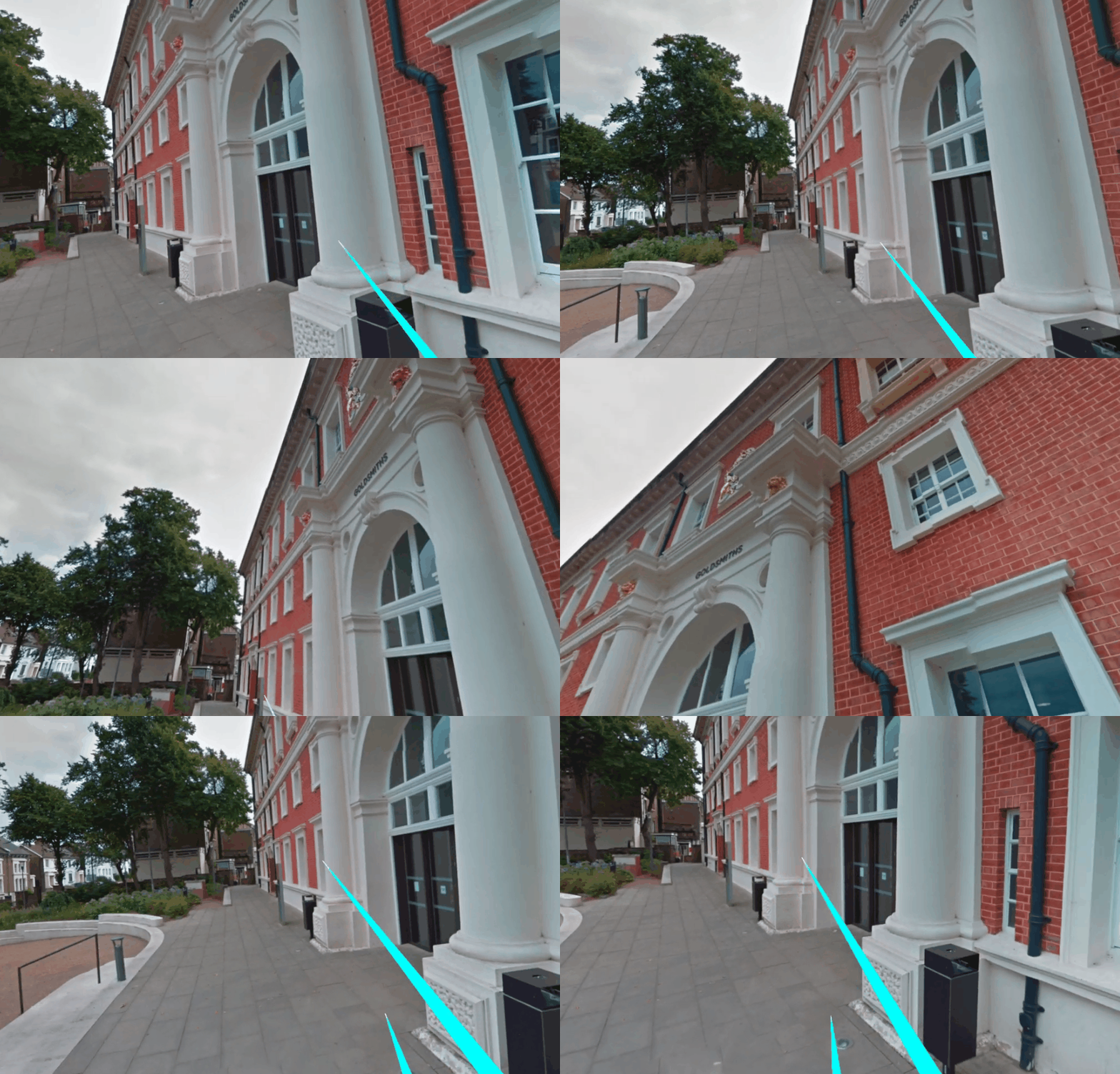
VR Version: Player with VR headhests can start their campus tour immediately. After campus tour, they can selecr avatar to enter the Lab.
HOW IT WORKS?
The project is developed based on Normcore which is a networking plugin for unity. My role in our development team is lead programmer. I responsible for the impletment of mutiplayer, AR version development and also I create some artistic work, including the design of AR version and the model of the Goldsmiths University Map.
My programming work
-
Implementation of mutiplayer networking: I use [Normocore.] to Implement multiplayer networking. With normcore, I am able to easily synchronize the state of our game by sending messages between each client.
-
AR version development: The biggest difference between AR version and VR version is the input system. I change the whole input system of VR application to develop the AR version. With normcore, AR player are able to connect to the same room as VR player. And also I make improvement of games in this projects to make AR players can play these games with VR players.
-
Shooting game: Unlike signle palyer project, I must ensure the bullet is instantiated on all clients. The api of Normcore is used to instantiate the bullet and synchronize the movement of bullet.
-
Draw & Guess: The basic principle is to track the position of the player's hand to create a brush stroke in the room.

Normcore.
My artistic work


UX/UI design of AR version

Goldsmiths University Map Model
REFLECTION
The goal of our projects is to provide a online platform for freshers to familiar with campus, laboratory and meet new students. Currently, we met the initial goal of our project. WIth VR headsets or mobile devices, freshers are able to start the campus tour and join mutiple activities in virtual GoldsmithsVR Lab. There are also some areas could be improved, such as adding more games for VR players and AR players to play together.
The biggest chanllenging of our project is data synchronization between AR application and VR application. Due to the change of input system in AR application, most code in this projects is changed. This requires developer to make sure synchronize data correctlly when VR player connect to the room. And also I need to change all the Games in this project to allow ar players and VR players to play together. This requires developers to have a deep understanding of the implementation mechanism of normcore. I hope I can make good use of normcore to develop more interesting projects in the future.